Choosing an editor
Choosing a tab editor for your Mac
The tablature editors you can run on a Mac are not really competing on the same things, so the useful question is which of them matters to you. Here are the six that decide it in practice, and where Tonograph stands on each — including the places where it is the wrong answer.
01
Will it open the files you already have?
This is the one that catches people out, whichever app you are looking at. Tonograph opens .gp (Guitar Pro 7 / 8) / .gpx (Guitar Pro 6) and writes it back out. Files from Guitar Pro 5 and earlier need converting first, so it is worth checking what your library actually contains before you install anything.
02
What does playback actually sound like?
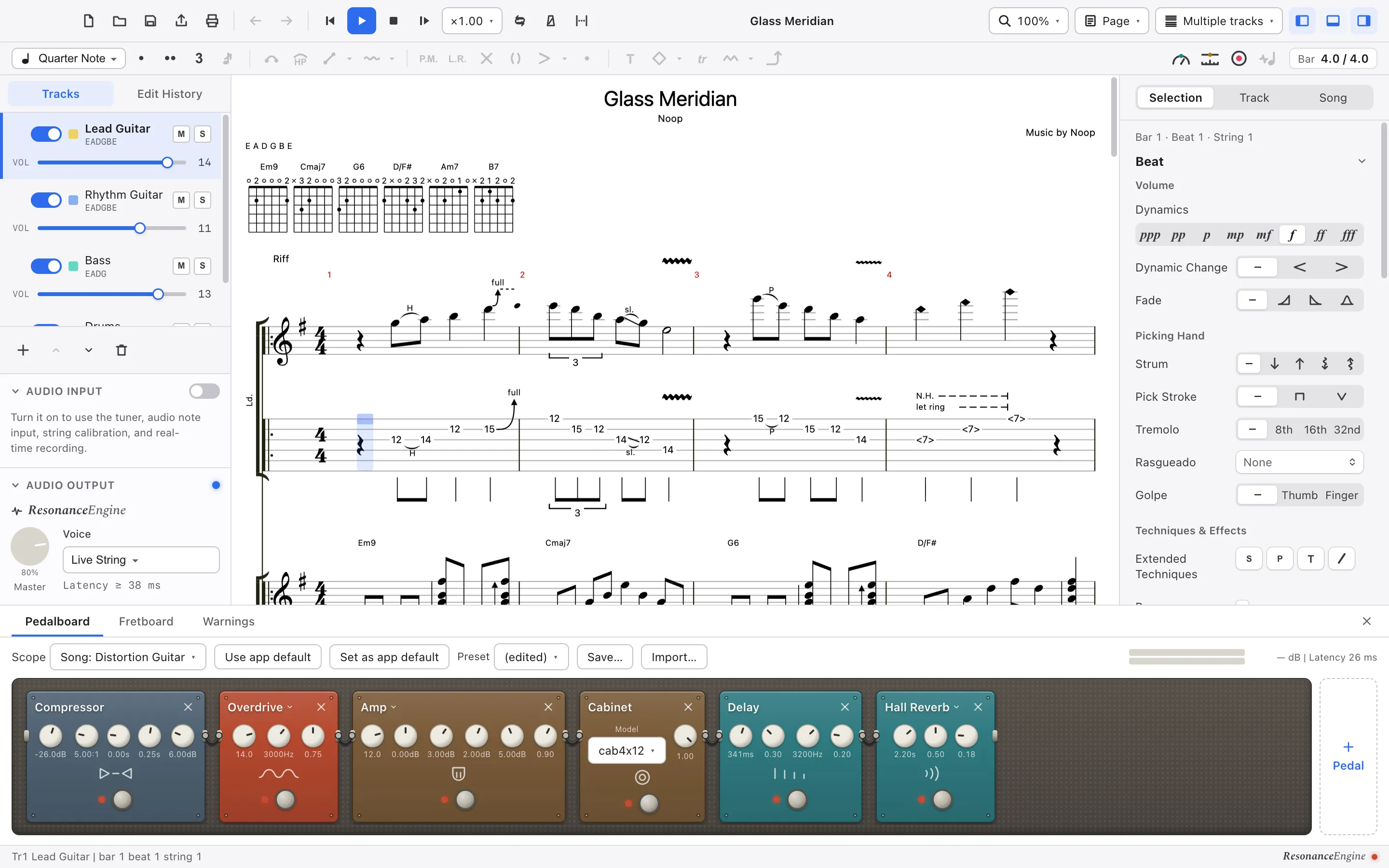
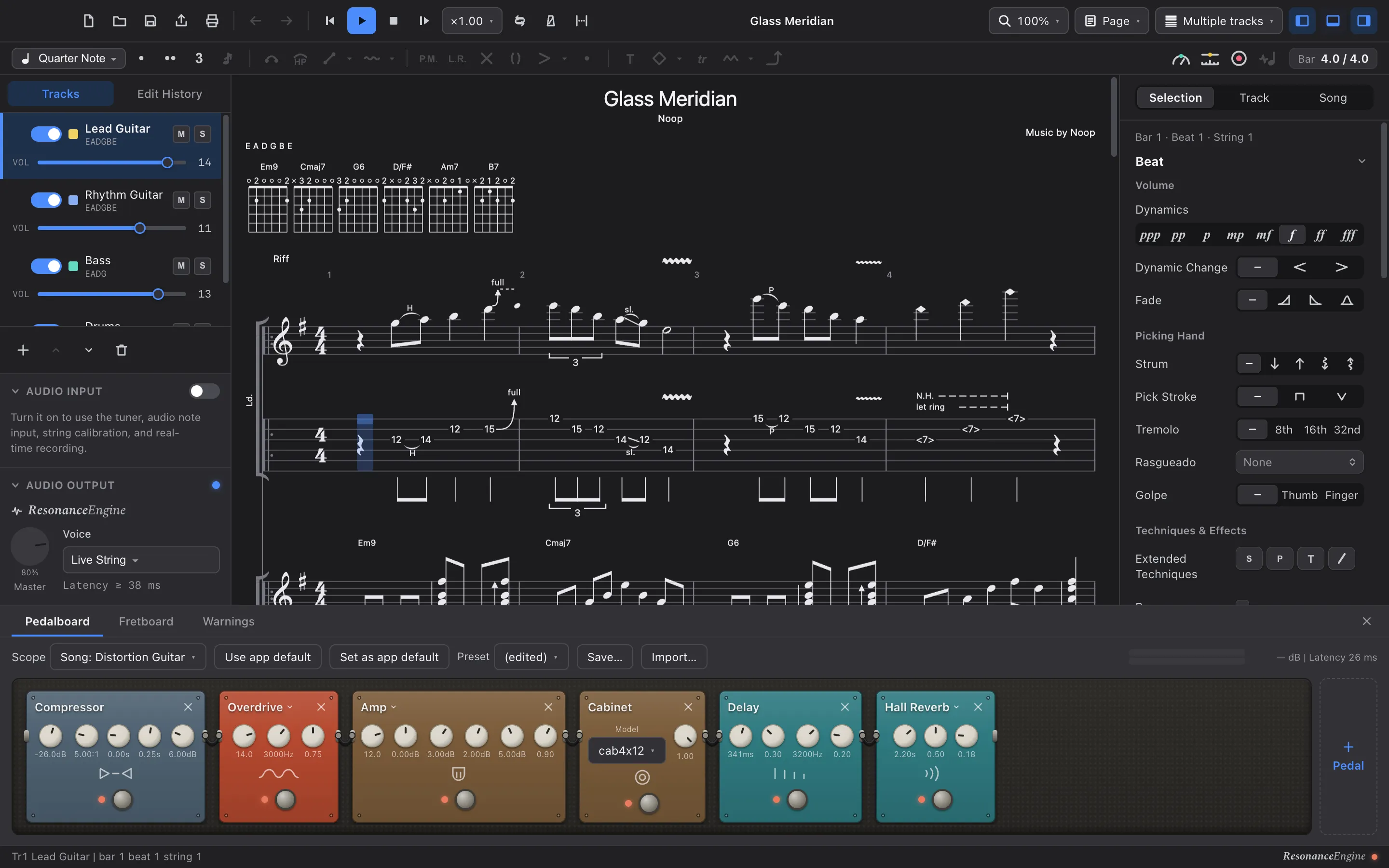
Most notation apps hand playback to a fixed sound set, where the guitar is a recording of a guitar. Tonograph synthesises the string as it plays and sends it through a pedalboard you arrange yourself — 23 pedal models across 10 categories. A bend bends the string instead of pitch-shifting a sample, and palm mutes, dead notes and harmonics change the tone rather than the volume.
03
Is it a subscription?
Tonograph is bought once on the Mac App Store. The free version is not a timed trial either: it opens, edits, plays and works with AI for as long as you want. The single thing it holds back is writing to disk.
04
What does it send, and does it work offline?
Every feature works with no network connection, and there is nothing to sign up for or sign in to. The paid version collects nothing about you, your Mac or your scores. The free version sends anonymous usage counts — never your scores — and you can turn that off.
05
Will it print something you can hand to someone?
Vector PDF at A4 or Letter, portrait or landscape, with margins, scale, which tracks to include, headers and page numbers. It is drawn by the same renderer that draws the screen, so the page matches what you were editing.
06
Can you work on it with an AI?
Tonograph is an MCP server, so a client such as Claude Desktop can read the score you have open and edit it with you. Approval mode shows every change as a diff and waits for your yes. The server stays off until you switch it on, and listens only on your own machine.
Where Tonograph is the wrong answer
No editor is right for everyone. These are the cases where another one will serve you better.
- The free version is macOS only. On Windows, Tonograph comes only as the paid version, from the Microsoft Store; there is no Linux build.
- It opens .gp (Guitar Pro 7 / 8) / .gpx (Guitar Pro 6). A library from Guitar Pro 5 or earlier has to be converted before any of it is usable.
- It is built for fretted instruments. Piano, drums and grand staves are there because scores need them, but this is not a general engraving package for orchestral or vocal writing.
- Every sound is synthesised in the app. If what you want is a recorded concert grand, a sample-based program will get closer.
Try it against your own files
The free version opens and plays everything the paid one does. Start there, with the scores you actually have.