Features
AI (MCP)
Tonograph is an MCP server. An AI client on the same computer can read the score you have open, edit it, and look at the rendered notation to check its own work.
27 tools on the live score
Reading, editing, undo and redo. The model works on the document you have open — not an export of it — and its changes land in the same undo history as yours.
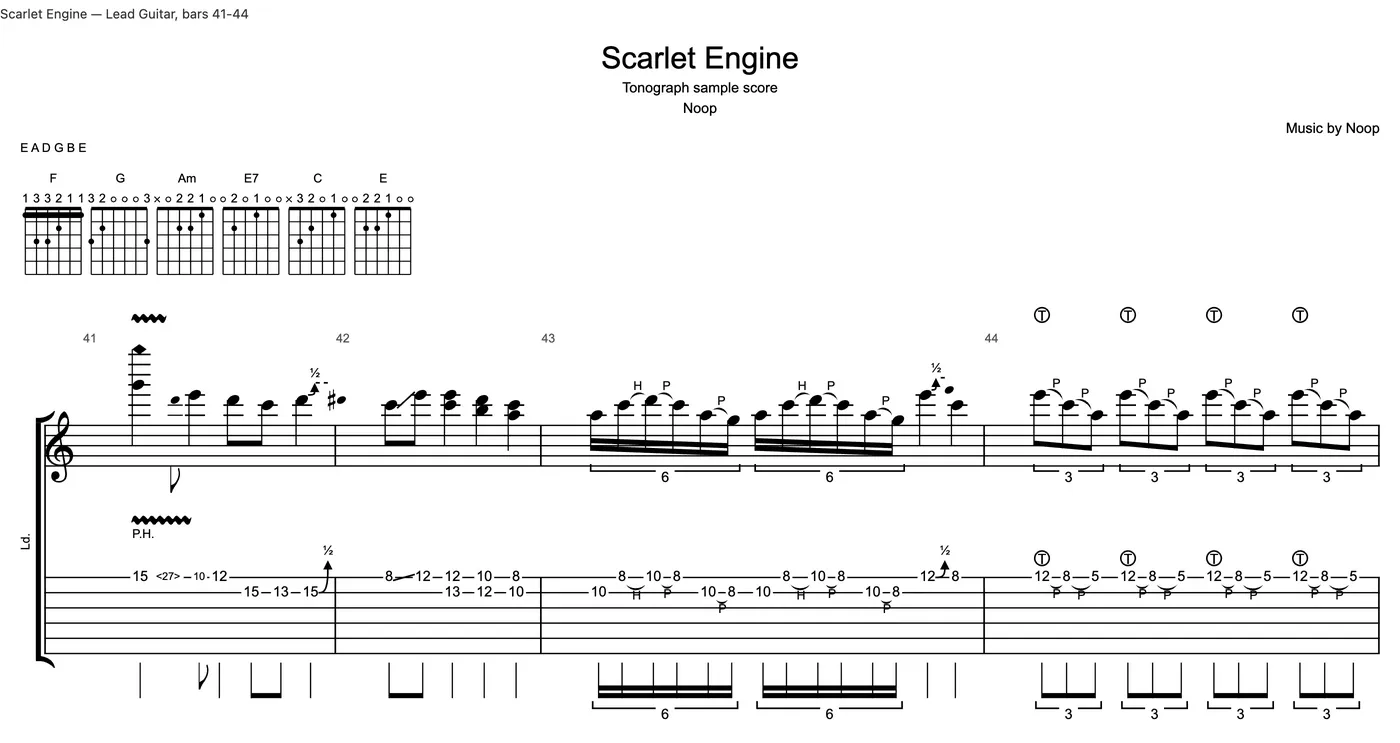
It can see the notation
Any range of bars can be rendered to an image on request, so the model verifies what it actually wrote instead of assuming the edit landed.
Approval mode
Turn it on and every change that touches the document is shown as a diff and waits for your yes. Undo and redo are included — an AI should not be able to quietly roll back your work.
Off by default, and local only
The server binds to 127.0.0.1, requires a token on every request, and does not start until you enable it in Settings.
Connecting a client
Turn the server on in Settings > Integration, then connect your client. The tab shows the steps for each client.
Claude Desktop
Save the extension from Settings and open it. Claude Desktop installs it, with no Node.js to set up. It works in the Code tab and in Cowork tasks that run on your computer.
Claude Code
Copy the one-line command from Settings and run it in a terminal.
ChatGPT
Paste a few lines copied from Settings into the Codex settings file. It works in chats in the ChatGPT desktop app and in Codex.
Other clients
Cursor, VS Code, Gemini CLI and others take the connection URL and token in their own MCP settings. The manual shows how.
Connection steps in the manual
Included in the free version. Only saving and exporting are held back.
Manual
Working with AI (MCP)
Connect an external AI client to Tonograph so that AI can read and edit the song you have open.
Start with the free version
Open your .gp files, play them through the Resonance Engine, and decide afterwards.
Get the free version for Mac