Play and loop
Play the score on the spot, and repeat just the range you select.
Play#
Press SpaceSpace to start playback, and press it again to stop.
The play button on the toolbar does the same. From the menus, choose .


Play from the cursor#
Press ⏎Enter to play from the beat under the cursor.
To hear the song from the top, press ⇧SpaceShift+Space. Both are in the menu.
Loop a selection#
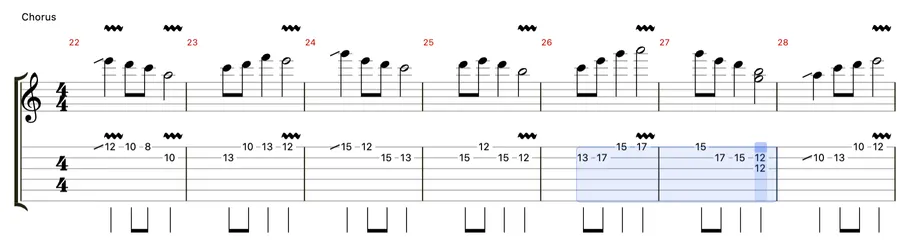
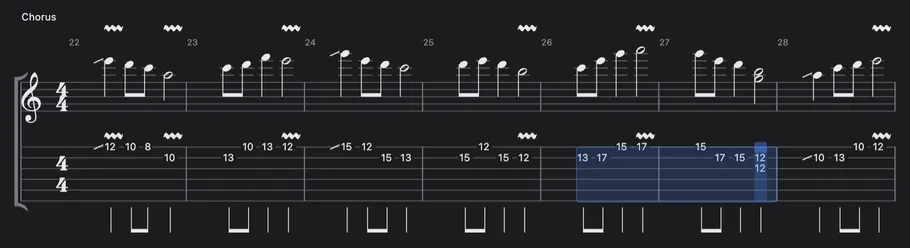
Select a range and turn loop on to repeat only that range.
Drag across the score to select a range, then choose (⌘LCtrl+L). The loop button on the toolbar works the same way. If no range is selected, playback runs to the end of the song as usual even with loop on.
While playing#
During playback you can only change how it sounds; editing the score is paused.
Speed, the metronome and track mutes can all be changed while the score plays. To change notes, stop playback first.