PDF and printingPaid version
Export the score as a PDF or print it. Choose the paper and scale before exporting.
Open the export dialog#
Choose or to open the Export PDF / Print dialog.
Both open the same dialog. ⌘PCtrl+P opens it too.
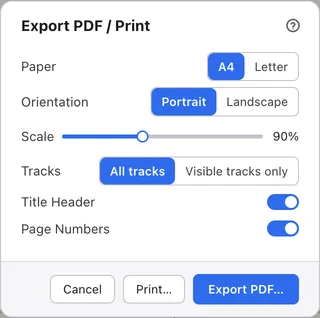
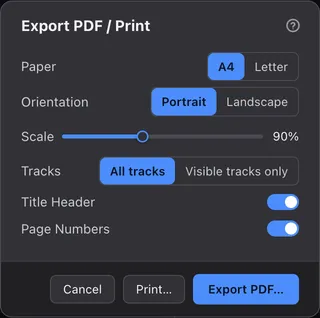
Choose paper and layoutNew in 1.1.0#
Choose Paper, Orientation and Scale, and decide whether to include the header and page numbers.
Tracks chooses between all tracks and only the tracks shown in the score. Your paper, orientation, scale, header and page number choices are kept for next time.
Export a PDF#
Press Export PDF… and choose where to save.
The score becomes a PDF that stays sharp however far you zoom in.
Print#
Press Print… to open your computer’s print dialog.
Choose the printer and number of copies in that dialog.