Inspector
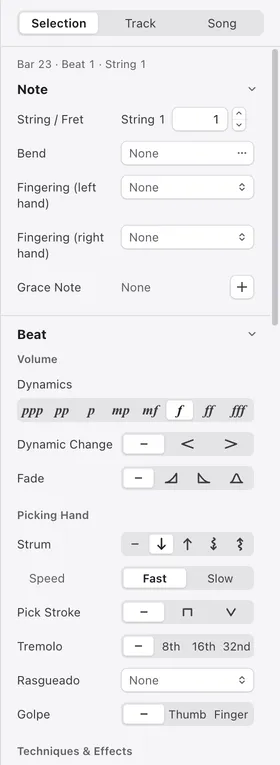
Edit the note, beat and bar under the cursor, as well as settings for the track and the whole song.
1Selection / Track / Song
Chooses what to edit. Selection is where the cursor is, Track holds the track’s settings, and Song holds information for the whole song, such as its title and tempo.
2Position
Shows the bar, beat and string you are editing. With a range selected, it shows how many beats are selected.
3Section heading
Settings are split into sections by what they edit, such as Note and Beat. Click a heading to fold its section.
4Subheading
Groups the items within a section, such as Volume and Picking Hand.
5Setting row
The name is on the left and the value on the right. Changes appear in the score immediately and can be undone with ⌘ZCtrl+Z.