Welcome screen
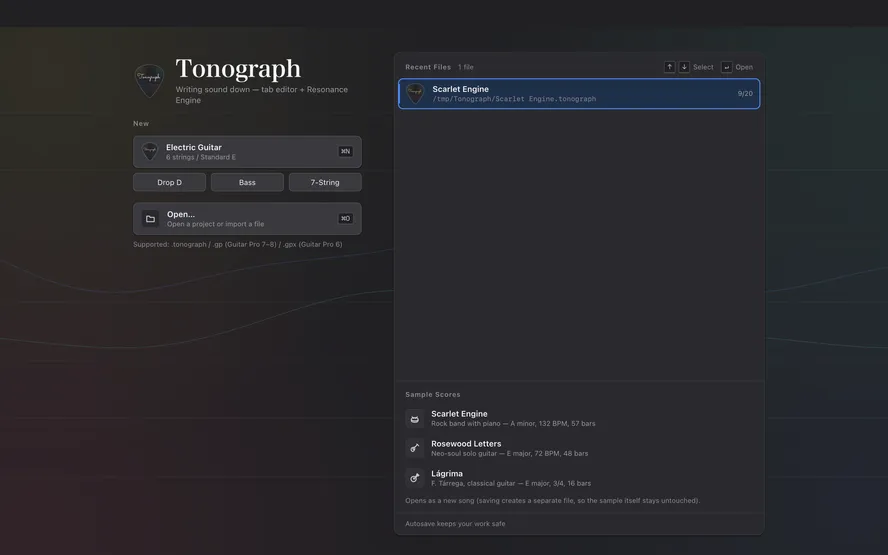
The screen you see at launch. Start a new song, or open a file or a sample score.
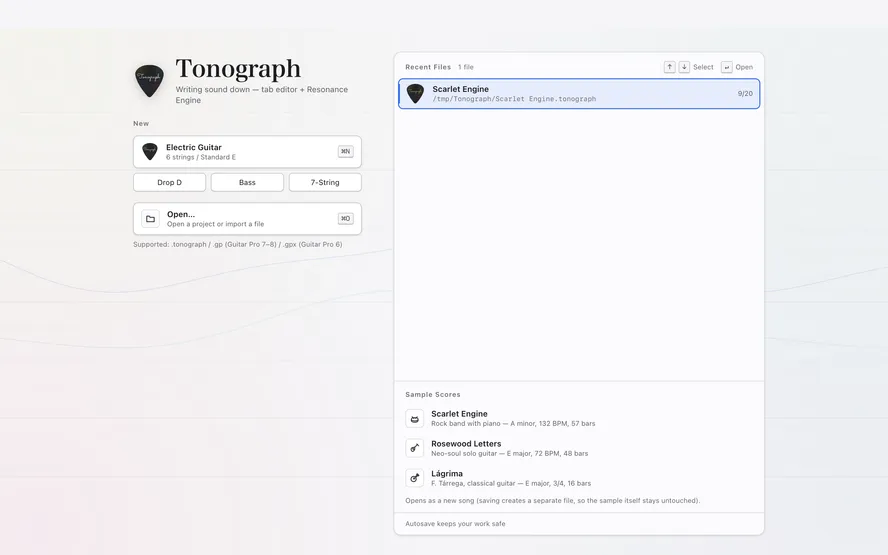
1Electric Guitar
Starts an empty song for a six-string guitar in standard tuning.
⌘NCtrl+N
2Drop D / Bass / 7-String
Starts an empty song for an instrument with a different tuning or number of strings. You can add or change tracks later.
3Open…
Opens a saved song or a
.gpfile.⌘OCtrl+O
4Sample Scores
Opens one of the bundled sample songs. It opens as a new song, so saving creates a separate file and the sample stays as it was.
5Recent Files
Files you opened recently. Click one, or pick it with the arrow keys and press ⏎Enter.