Your first song
Open a sample score, play it, and change one note.
Open a sample score#
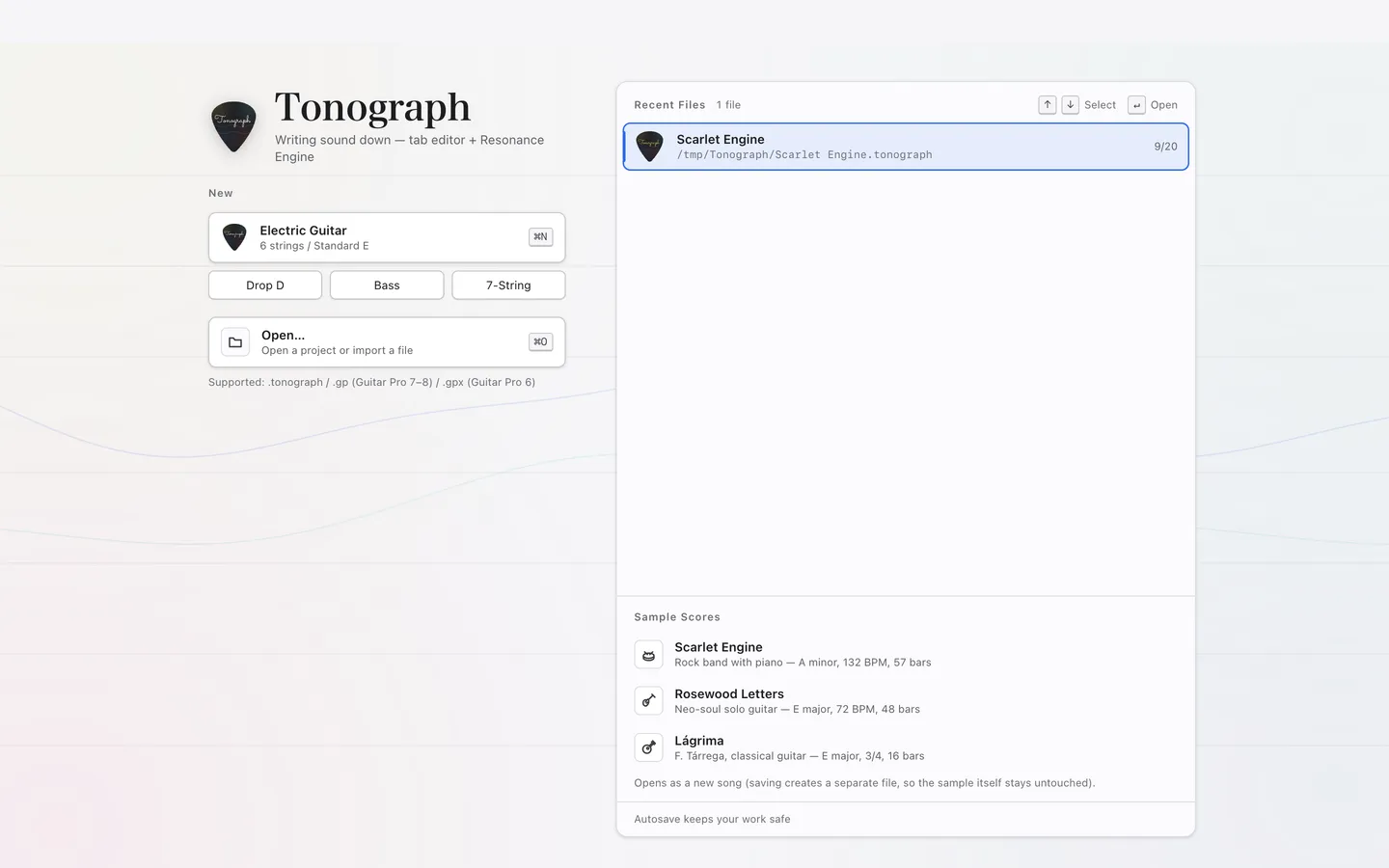
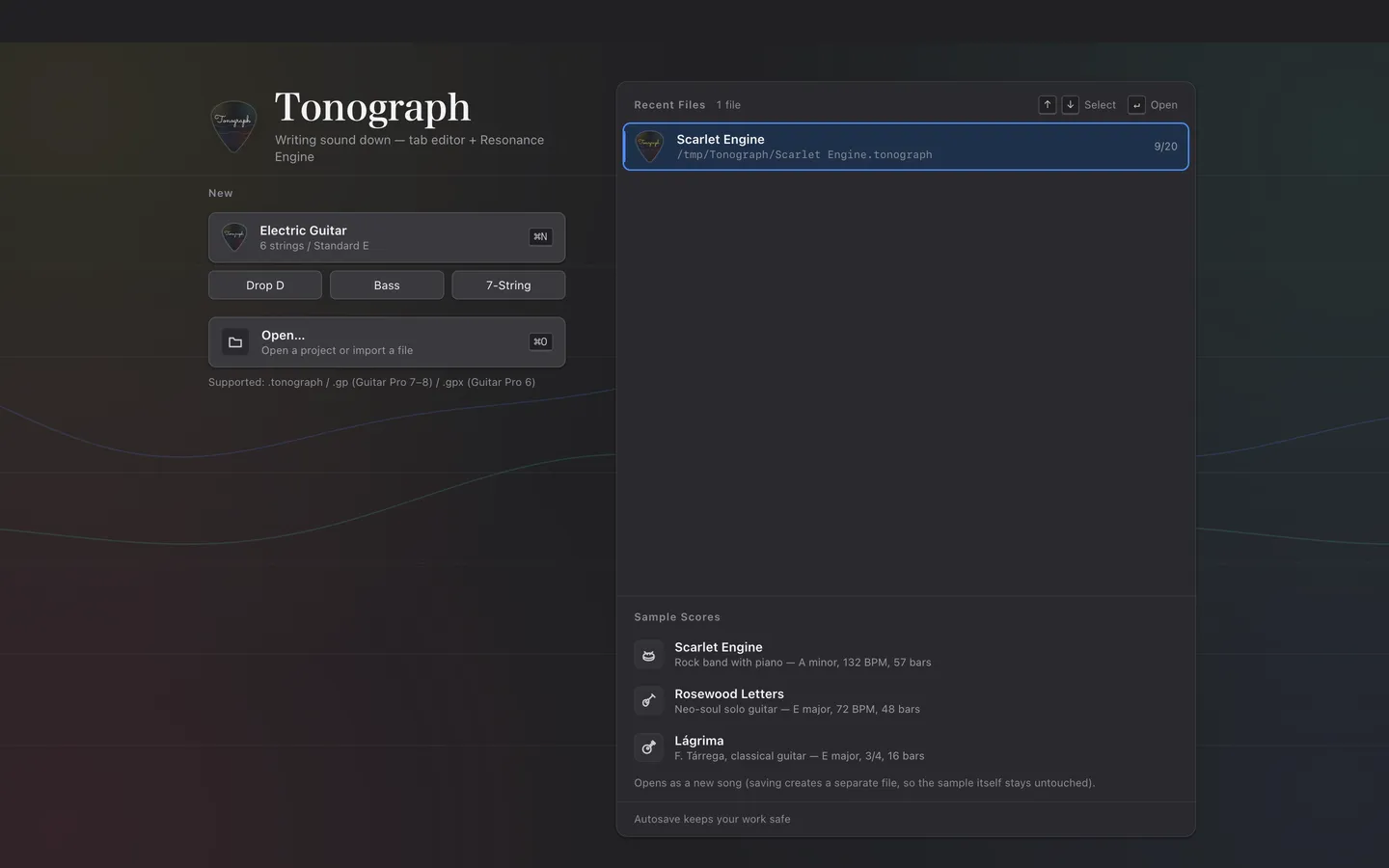
Choose a song under Sample Scores on the welcome screen to open it.
Samples open as new songs, so the original stays as it was however much you change it.
Play it#
Press SpaceSpace to start playback, and press it again to stop.
While the song plays, the score moves along with the sound. Press the same key to carry on from where you stopped.
Change a note#
Click a number in the score, then type another number to change that note’s fret.
- Stop playback.
- Click a number in the tab. A frame appears around the beat and string you clicked.
- Press a number key such as
5. The number changes, and the note in the standard notation moves too. - Press ⏎Enter to play from the beat with the cursor.
If you make a mistake, press ⌘ZCtrl+Z to undo it.
Where to go next#
The whole window names each part of the window, and Entering frets explains how to write notes.
To start from an empty song, press Electric Guitar on the welcome screen.