Shortcuts
View the key assignments. They can't be changed.
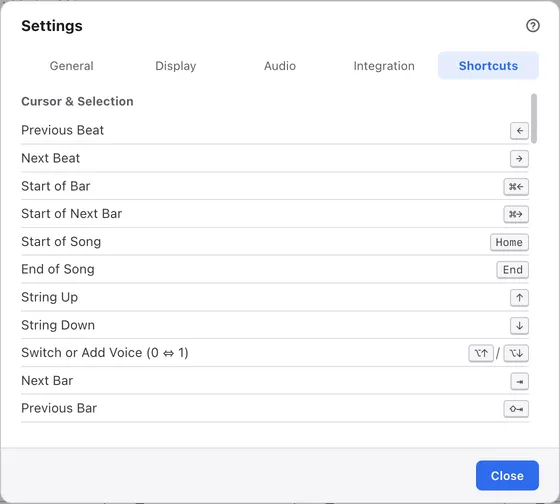
1Tabs
Switch between kinds of settings. Choosing opens this tab directly.
2Groups
Operations are grouped by kind, such as cursor movement, editing and techniques, and files and playback.
3Operation
The name of the operation. When an operation has several keys, they share one row.
4Keys
Shown the way your operating system writes them.
Keys that exist only in the menus, such as loop and zoom, aren’t in this list. Keyboard shortcuts lists every key.