Audio
Guitar input, string calibration, audio commands, sound delay and app default pedalboards.
The voice and overall volume aren’t on this tab; change them in Audio Output in the left panel.
Audio input#
Settings for bringing your guitar’s sound into Tonograph.
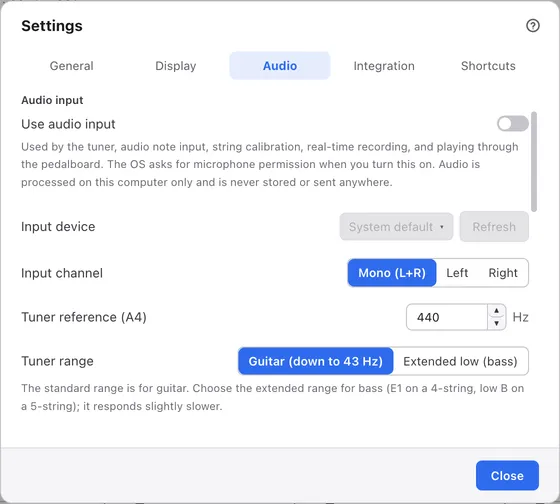
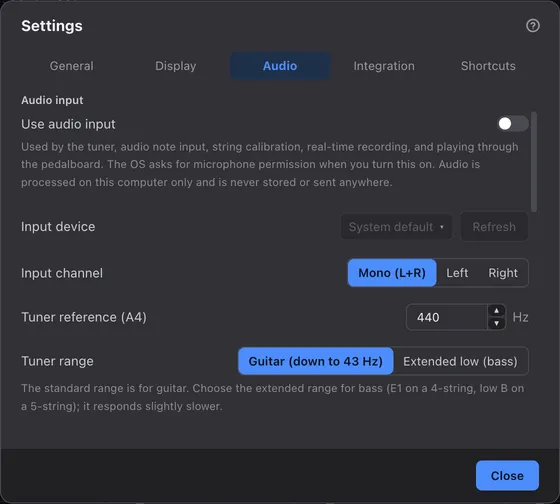
1Tabs
Switch between kinds of settings.
2Use audio inputNew in 1.1.0
Turn this on to use the features for connecting a guitar. It’s off at first. It’s the same switch as the one in the heading of Audio Input in the left panel. See Input settings.
3Input device
Choose the device your guitar is connected to. It starts at System default.
4Input channel
Choose which input of the device to use. It starts at Mono (L+R).
5Tuner reference (A4)
The frequency read as A. It starts at 440 Hz.
6Tuner range
Choose Extended low (bass) to read low instruments. See Input settings.
String calibration and audio commands#
Calibration that helps audio note input tell strings apart, and audio commands that let you operate the app by playing.
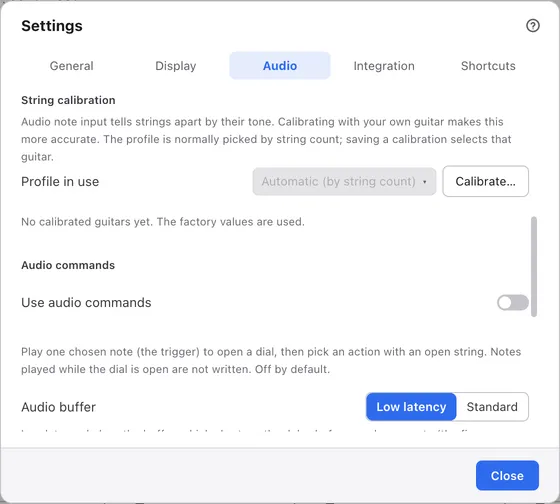
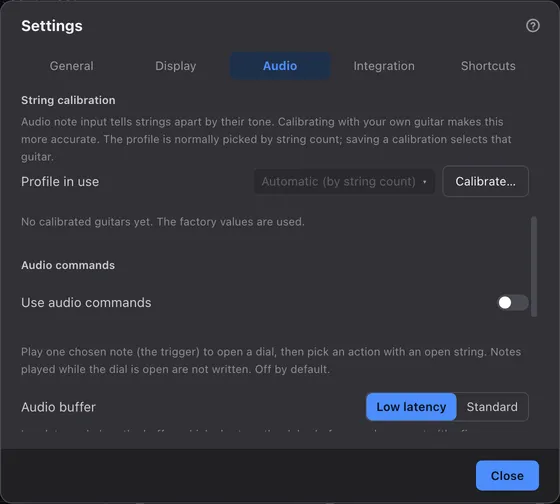
1String calibrationNew in 1.1.0
The list of calibrated guitars and which one to use. See String calibration.
2Audio commandsNew in 1.1.0
When turned on, fields for the trigger note and each string’s action appear. It’s off at first. See Audio commands.
Sound delay and app default boards#
The delay before sound comes out, and the list of pedalboards used in every song.
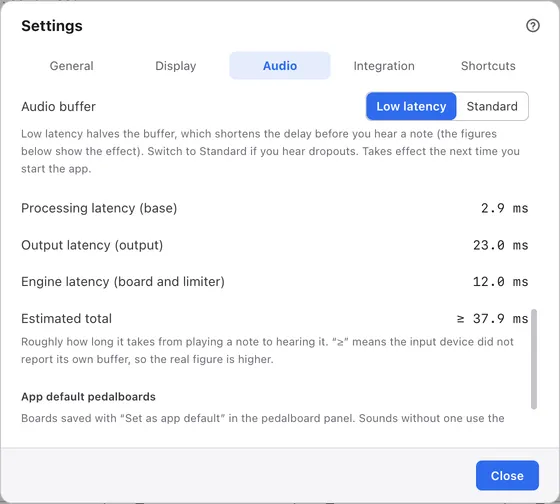
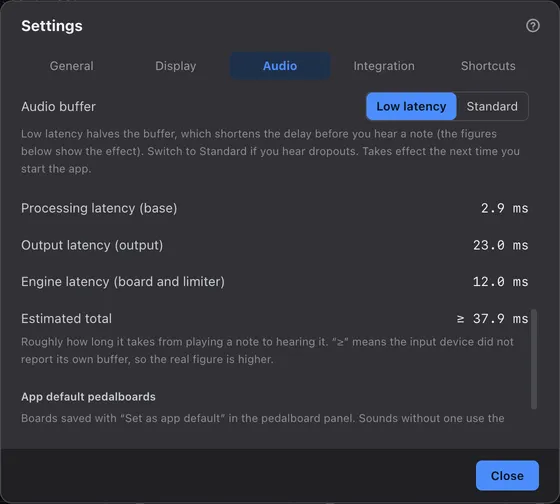
1Audio bufferNew in 1.1.0
It starts at Low latency. A new value takes effect the next time you start the app. See Latency.
2Estimated totalNew in 1.1.0
What the delay between playing and hearing is made of. The figures are taken when the dialog opens and differ from computer to computer. See Latency.
3App default pedalboards
Boards you’ve made app defaults on the pedalboard. Here you can only reset them to factory. See Song and track boards.