Undo and edit history
Undo mistakes, and check the edits you've made in a list.
Undo and redo#
⌘ZCtrl+Z undoes the last edit and ⌘⇧ZCtrl+Shift+Z redoes it.
Hover over the toolbar button to see the name of the edit it will undo. Cursor moves are not undone. When you undo, the cursor goes back to where the edit was made.
View the edit history#
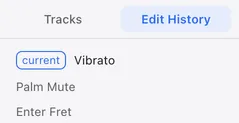
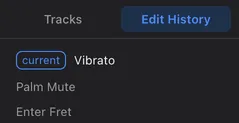
The Edit History tab of the Left panel lists your edits, newest first.
The top item is the last edit. The list is for checking only; you can’t click an item to go back to that point.
Edits that undo together#
Edits made in one go, such as typing a two-digit fret, are undone in a single step.
Notes pushed into the next bar, and rests added to fill a short bar, are undone together with the edit that caused them.